From the Custom Data Field functional area, you can select Manage Delivery Custom Data to add, delete or edit a Delivery Custom Data Field.
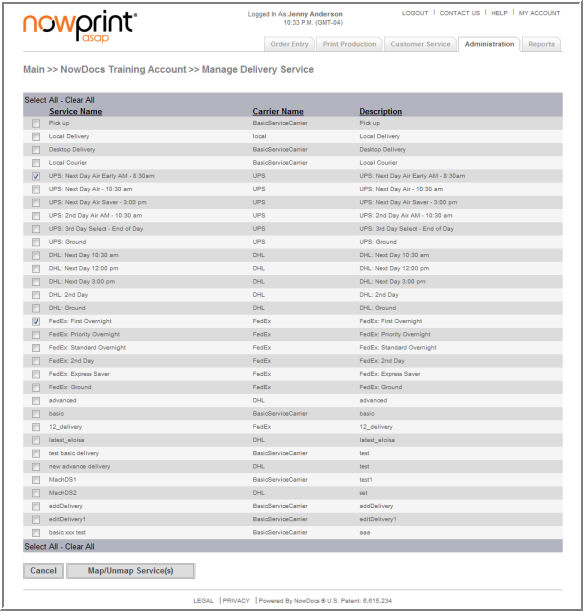
Use the following steps to map a delivery service:
Click the Admin link from the NowPrint homepage.
Click the Edit link under the Delivery Services icon.