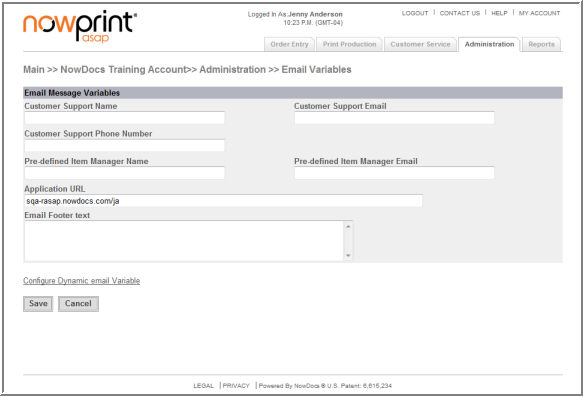
Variables can be set-up to be inserted within email notification messages as appropriate, such as customer support names, emails, URLs, etc. Email variable settings can be established for each individual Corporate Account, as desired.
Use the following steps to set-up status email variables:
Click the Admin link from the NowPrint homepage.
Click the Edit link under the Status Emails section.
Specify a default Customer Support Name.
Specify a default Customer Support Email.
Specify a default Customer Support Phone Number.
Specify a default Pre-defined Item Manager Name.
Specify a default Pre-defined Item Manager Email.
Specify a default Application URL.
Specify default Email Footer text.
Click the Save button
You can create short variable names to be used in email messages that contain the Message Variable Value. This will allow you to create longer snippets of text, like a Privacy Message, and refer to them with short names in the email Text Message: “@Privacy.”